
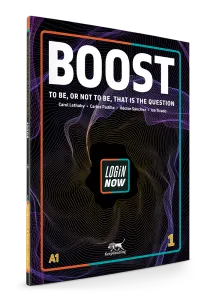
A1
Boost 1
English I · CEFR level A1
English for your life
English for the Nuevo Bachillerato General.
Five books, one for each course from English I to V. Each unit works on one learning goal of the official program, from A1 to B1.
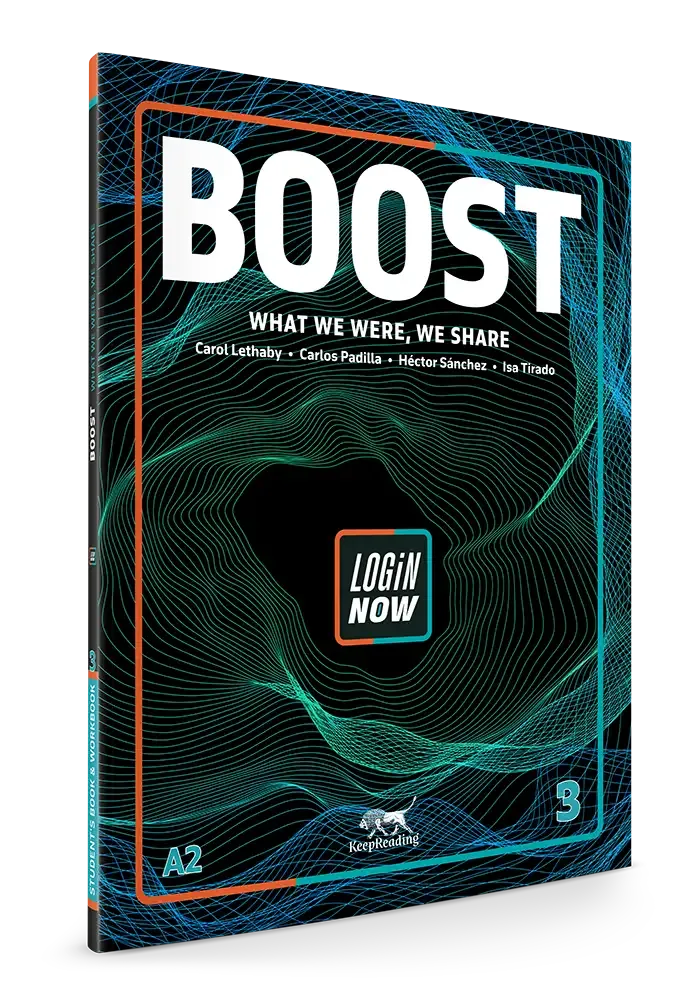
Boost follows the official program of the Nuevo Bachillerato General, Mexico's general high school curriculum. Each book matches a course, and each unit matches one of its learning goals (propósitos formativos).
| In the official program | In Boost |
|---|---|
| One English course | 1 book5 books, from English I to English V |
| One learning goal | 1 unit8 units per book |
| CEFR level | A1 → B1across the series |
| Class hours | ≈8 hper unit |
English I · CEFR level A1

English II · CEFR level A1+
English III · CEFR level A2

English IV · CEFR level A2+
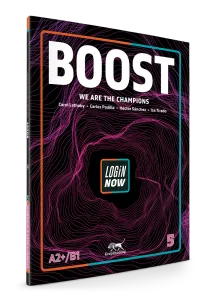
English V · CEFR level B1
Each unit has 20 pages and 9 lessons. A reading opens the topic. Two blocks of three lessons work on language and the four skills. The Workbook and the Project consolidate and apply what students learned.
20 pages · 9 lessons · ≈8 hours1 · Opening
2 pp
A full-page image opens the unit, with what students will achieve and the program's content for the unit. The reading introduces the new language and anchors the unit's topic.
2 · Lessons
12 pp
Each block works on language and the four skills.
3 · Consolidation
6 pp
Boost 3, Unit 1, Sharing Our Recent Stories. Pick a section to see its actual pages, and click a page to see it full size.
Opener
A full-page image opens the unit, with what students will achieve and the program's content for the unit. The reading introduces the new language in context and anchors the topic of the whole unit.
L1
Vocabulary comes with pictures and situations, never as a bare list. The Active Grammar box shows form, use and examples taken from the unit. Practice moves from recognizing the language to using it to say something.
L2
Three listenings with different goals: the main idea, specific information, and the expressions students will use when they speak. Speaking starts from a model and ends in pair or group work with a result.
L3
Writing gives a model text, an organizer for planning and a guided piece of writing. Use It Now brings the language of the whole block into one task with a visible result.
L4–L6
The same sequence with new language or an extension of what students learned. The activities don't repeat those of the first block, and the writing gets longer.
L7
Four pages of practice covering all the language of the unit, in formats different from the lessons, with a short reading. It ends with an I can… self-assessment.
L8
A team project with set roles and steps that build on each other: planning, gathering information, the product, a presentation, individual reflection and a rubric.
Short boxes, next to the activity they support, that answer students' real questions.

A strategy for learning better that students can use on their own.
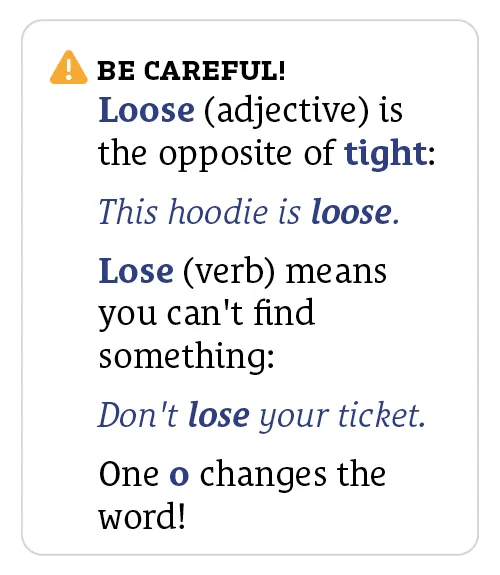
A quick warning about a specific trap, such as a false friend, a spelling or an exception.
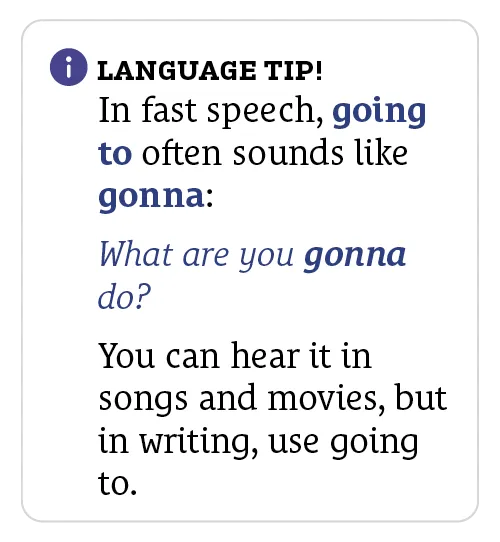
How to sound more natural, with notes on register, collocations or everyday expressions.
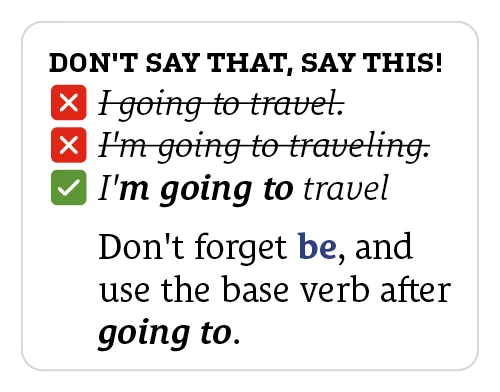
The typical mistake crossed out next to the correct form, so students see the difference at a glance.

A QR code that leads to a video, audio or a tool that paper can't offer.

Marked with the LoginNow icon. Students do them in the app with their own voice, writing and photos.
Every book comes with digital tools for students and for teachers.
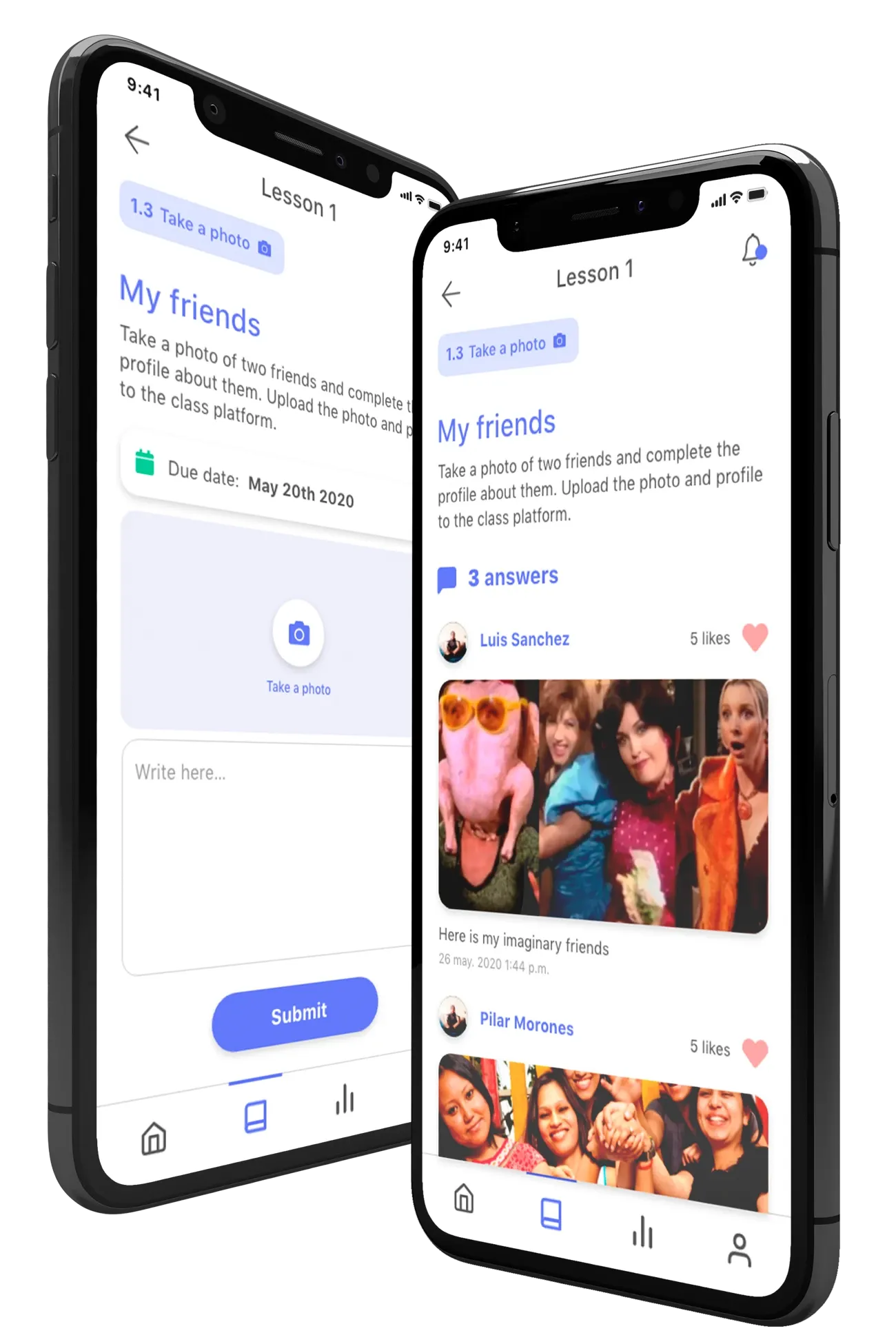
Connects the activities in the printed book with the student's phone. It's a native app for iOS and Android. Students download it, sign in and add their book with a code. There they do the Speaking, Writing and Sharing activities marked in the book and follow their progress in real time.

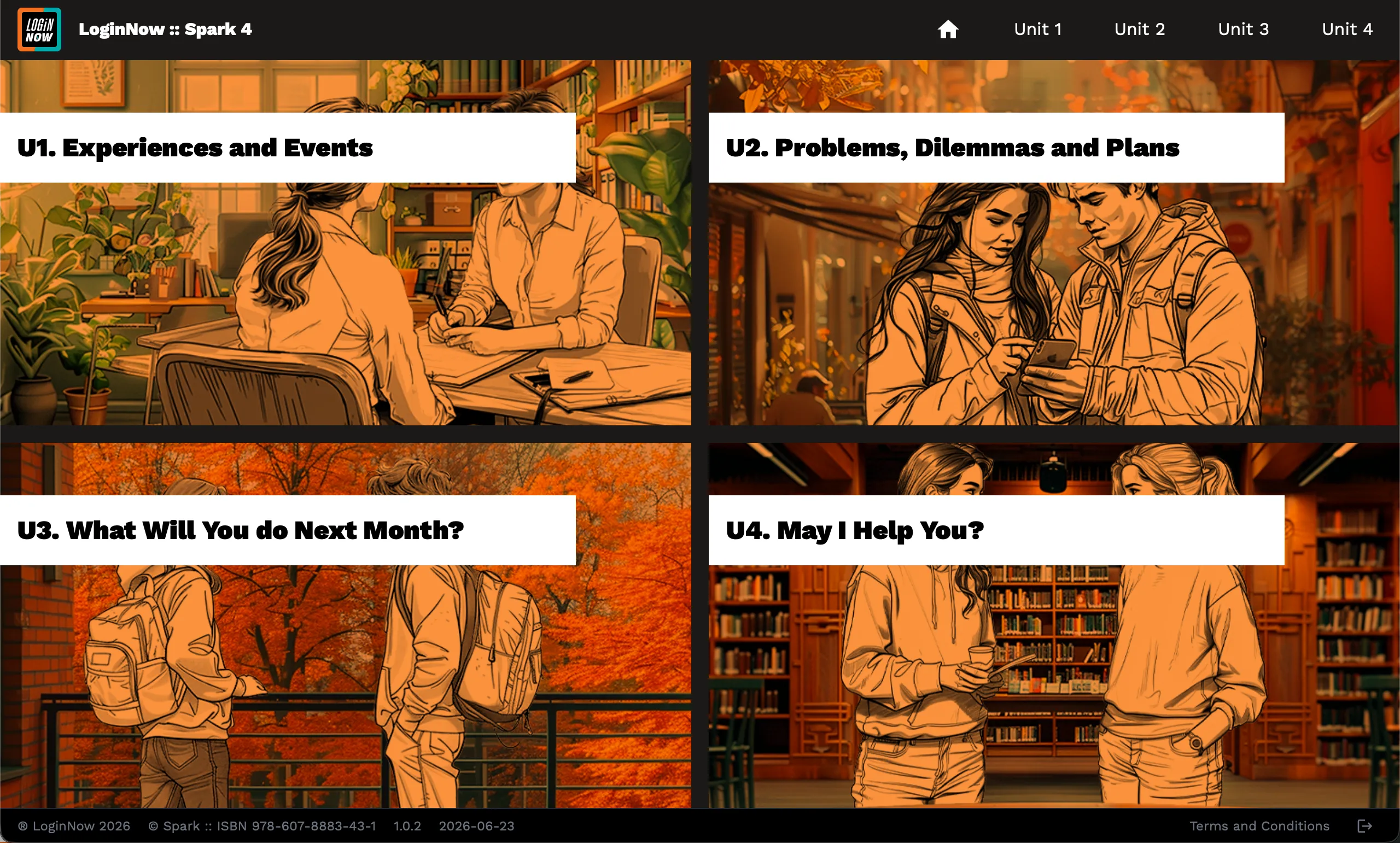
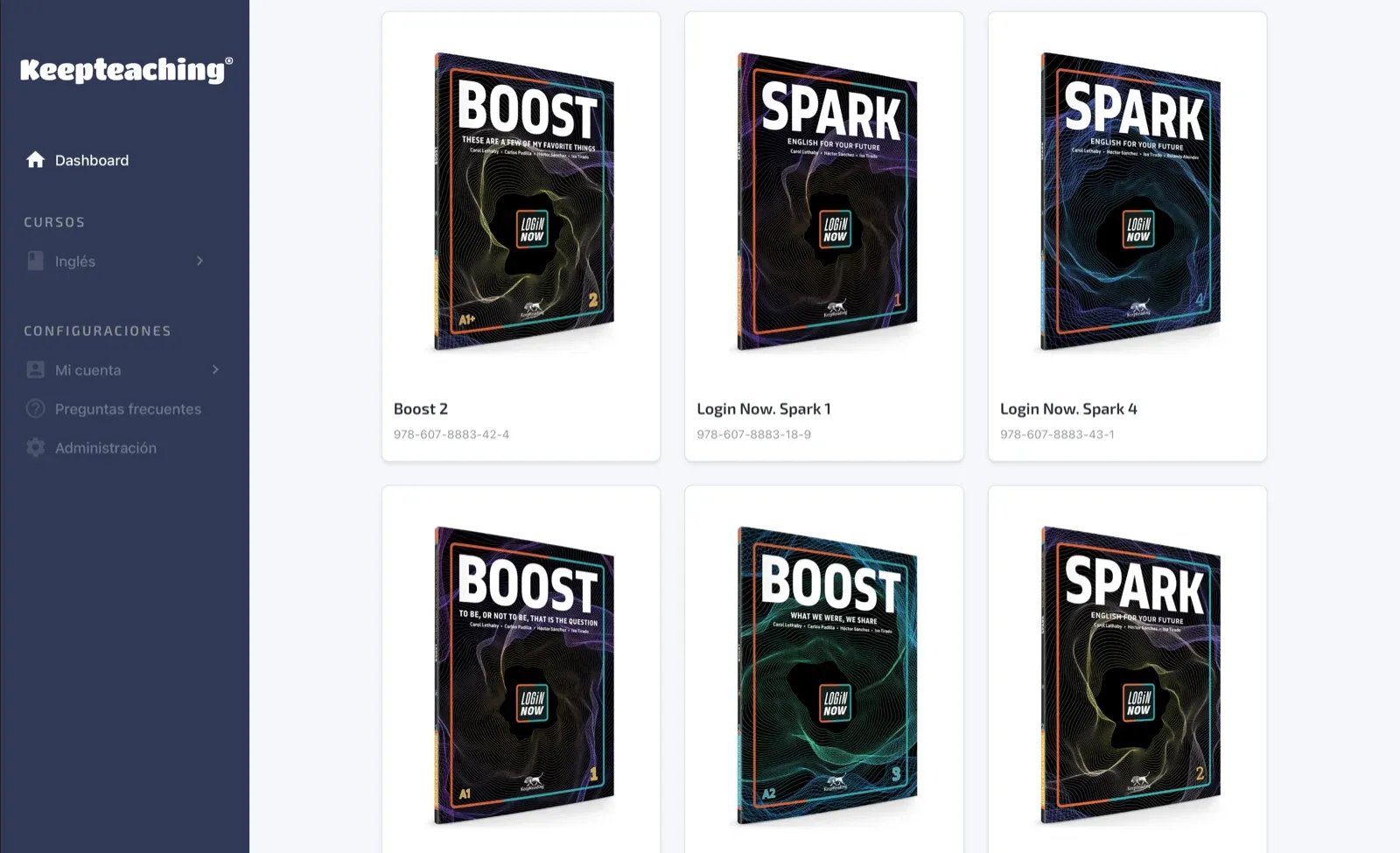
The teacher's platform. It has the book page by page, with and without answers, the Lesson Plan and the course planning documents.
The whole book to project in class, with its audio, transcripts, answers, an interactive whiteboard and teacher's notes. It works offline.
All the audio for the Listening activities. Students play it on their phones in the LoginNow app and follow the transcript. In class, it's in the desktop app and in each unit's digital resources.
Everything teachers need to plan and teach each class.
You can already walk through a sample unit on this site. To see the full material, leave us your details and an advisor will present it to you.
Yes. Each book matches a course of the Nuevo Bachillerato General, from English I to English V, and each of its 8 units works on one learning goal of the program.
It covers the course's class hours. Each unit takes about 8 hours of class on average, and teachers adjust the pace to their group and their calendar.
Lesson Plan, Answer Key, audioscripts, digital resources for each unit, midterm and final exams, KeepTeaching and the desktop app (For teachers). All of it is free for teachers who adopt the series and use it with their groups.
Students download the LoginNow app on iOS or Android, sign in and add their book with a code. There they do the Speaking, Writing and Sharing activities marked in the book, and listen to the audio with its transcript. Each student uses it on their own phone with their own account, and it needs an internet connection.
Each unit ends with the Workbook's I can… self-assessment and a Project with a rubric. Teachers also get midterm and final exams.
Yes. The sales team can schedule training sessions to show how LoginNow and its resources work. After a school adopts the series, we open a WhatsApp group with that school for ongoing support.
Delivery dates and method are agreed with each institution. An advisor works them out with you when you request a sample.
Each book recycles the key language of the previous level before moving on. The tip boxes, the Workbook and the app activities give extra practice to students who need it.